A deal changes status inside Creatio
Before a manager manually tells accounting when the deal is won.
After the status change moves into the accounting system on its own, the moment it happens.
 CRMUS
CRMUSAn enterprise CRM you can connect without writing code: point, click, and data starts moving between systems
Creatio is built as a low-code platform, meaning most of the work of connecting it to other systems happens by pointing and clicking rather than writing custom scripts. Nearly every record it holds can be reached from outside for connecting, behind a sign-in check that nothing gets past unproven. We use that, together with Creatio's own no-code way of linking to outside services, to connect it with everything else your business runs, so a record updates itself and a process can carry on by itself.
Before a manager manually tells accounting when the deal is won.
After the status change moves into the accounting system on its own, the moment it happens.
Before someone pauses the process, checks another system by hand and comes back to continue it.
After Creatio's own no-code way of connecting sends the request, waits for the answer and continues the process on its own.
Before someone copies the details into Creatio by hand.
After the record is created inside Creatio automatically, without anyone typing it twice.
Before a new connection request waits in a queue for a developer to write custom code for it.
After the no-code way of connecting lets the team set up a straightforward link itself, saving developer time for the harder cases.
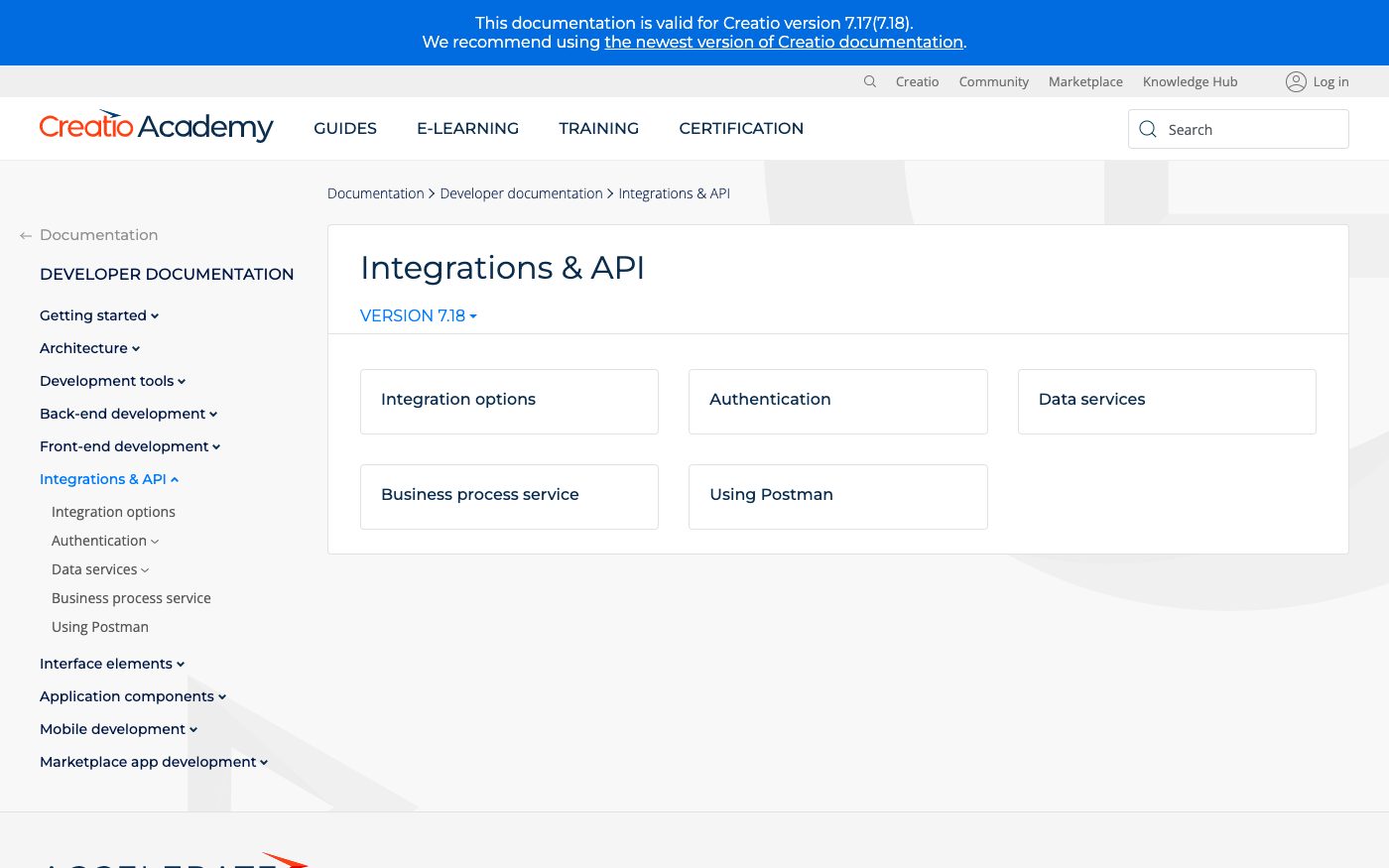
For those who want to check: each point links to the official documentation page it comes from.
Interaction with Creatio uses OData — an open, OASIS-approved standard for building REST APIs; Creatio supports OData 4 alongside the older OData 3 at the same time.
Source: academy.creatio.com ↗ checked 2026-09-25The vendor recommends using OData 4, not OData 3, for any new integration with Creatio.
Source: academy.creatio.com ↗ checked 2026-09-25All external requests to Creatio must be authenticated; the vendor recommends cookie-based Forms authentication through the AuthService.svc web service.
Source: academy.creatio.com ↗ checked 2026-09-25The OData 4 service is available at a fixed technical address, /0/odata, on the client's own Creatio domain.
Source: academy.creatio.com ↗ checked 2026-09-25External REST services can be connected without code through a low-code constructor: Creatio itself generates and sends the request, receives the response, and creates or updates records or triggers business logic.
Source: academy.creatio.com ↗ checked 2026-09-25Creatio's open documentation doesn't give an exact daily number of technical requests — that part of the documentation sits behind a login, so the real ceiling depends on your specific cloud instance, and we check it together before relying on it.
Three steps from a first message to work on your project.
Describe the task in the form — in text or by voice. Budget and timing are optional.
A developer studies the brief, asks about anything unclear and sends an estimate.
Once scope and price are agreed, the work begins.
or write to info@coreviaflow.space
Describe the task in text or a voice message. We look at your setup and reply with a plan.
Four services people come to us for most often. Each page explains what we do, how the work goes and where to start.
Choose the system, set up the pipeline, migrate data, train the team.
Learn more →Accounting, telephony, website, payments and messengers feed the CRM on their own.
Learn more →Orders, requests and answers around the clock, straight into your CRM.
Learn more →Flows between CRM, email, spreadsheets, payments and AI, on your own server.
Learn more → CRMUS
CRMUSEnterprise CRM with a live event feed and no-code automation across every record type
See scenarios → CRMUS
CRMUSUS CRM with built-in calling and no-code automation, ready to plug into the tools you already run
See scenarios → CRMEU
CRMEUThe deal-focused CRM: connect it once, and deals, contacts and follow-ups keep themselves in sync
See scenarios → CRMUS
CRMUSEnterprise CRM from Microsoft — connects through an open standard, with a strict daily budget of requests per license
See scenarios → IP telephonyEU
Cloud calling that plugs straight into the tools your sales and support team already use
See scenarios → CRMUS
CRMUSUS CRM with a dedicated bulk data channel and a step-by-step process enforcer, built to plug into your existing tools
See scenarios →Implementation · Development · Integrations →
Creatio is a trademark of its owner. CoreviaFlow is not affiliated with it unless stated otherwise. Screenshots are taken from public vendor materials; the source is shown under each one.