CoreviaFlowCOREVIAFLOWDIGITAL PROJECT COMPANY Leave a request
EN UA RU
CRMUS

Microsoft Dynamics 365 Sales integration & automation

Enterprise CRM from Microsoft — connects through an open standard, with a strict daily budget of requests per license

Dynamics 365 Sales sits on top of Microsoft's shared business data platform, so a contact, deal or activity created there can, in principle, be read and written from almost any programming language, not just Microsoft's own tools. Every connection draws from a shared daily budget of requests, and that budget depends on which license the account is using — so we plan connections around it from the start, instead of discovering the ceiling after something stops updating.

What we connect

  • Contacts, deals and activities can be read from and written to Dynamics 365 from almost any system, since the connection runs on an open, widely used standard rather than a Microsoft-only format.
  • Because it's an open standard, most connections are composed as plain requests rather than a ready-made library for every language — for anything unusual, outside tools help fill the gap.
  • Under the surface, every connection ultimately goes through the same underlying service that Dynamics 365 itself uses — so a custom connection behaves the same way the system's own screens do.
  • Every account has a shared daily budget of requests, and it depends on the license — a full paid license gets roughly six times more headroom than a lighter, team-member license.
  • Both successful and failed attempts count against that daily budget — including repeats and requests caused by loading long lists in pages — so noisy connections eat into the budget faster than clean ones.

Automation scenarios

01

A team-member license hits its daily request budget

Before a connection built for a full license quietly starts failing once it's used on a lighter team-member account, which has a much smaller daily budget.

After knowing the budget upfront, we size the connection to the license it will actually run on, instead of discovering the ceiling in production.

02

A long list gets loaded in pages

Before nobody realizes that loading one long report actually costs dozens of separate requests against the daily budget.

After we design list-loading connections to count every page in advance, so the budget lasts through a full working day.

03

A connection needs to be built outside Microsoft's own tools

Before the team assumes a custom connection only works from Microsoft's own development tools.

After since it runs on an open standard, we build the connection in whatever language the other systems already use, composing plain requests directly.

04

Repeated attempts quietly burn through the daily budget

Before an unstable connection keeps silently repeating failed requests, and both the failures and the repeats count against the same daily budget until it runs out early.

After we monitor failures separately, so a storm of repeats gets fixed at the source instead of quietly draining the day's budget.

How it works technically

For those who want to check: each point links to the official documentation page it comes from.

  • Dynamics 365's data connection is built on the open OData 4.0 standard, an OASIS standard for building and using REST-style interfaces — so it can be used across many programming languages and platforms, not only Microsoft's own tools.

    Source: learn.microsoft.com ↗ checked 2026-09-25
  • Because the connection is built on an open standard, Microsoft doesn't ship a dedicated library for every programming language — Python is the one exception — so requests are usually composed directly or with third-party tools.

    Source: learn.microsoft.com ↗ checked 2026-09-25
  • Technically, this connection is a REST-style layer on top of Dynamics 365's underlying organization service — every data operation ultimately runs through that same service.

    Source: learn.microsoft.com ↗ checked 2026-09-25
  • The daily request budget depends on the user's license: most paid Dynamics 365 and Power Platform licenses get 40,000 requests per license, per 24 hours.

    Source: learn.microsoft.com ↗ checked 2026-09-25
  • The daily budget counts every create, read, update, delete, assign and share operation, no matter whether it was triggered by a person or an internal system process, and no matter which protocol carried it.

    Source: learn.microsoft.com ↗ checked 2026-09-25

Limits

Light paid licenses — such as Team Member — get only 6,000 requests per 24 hours, about 6.7 times less than a full license's 40,000. Both successful and failed attempts count against that budget, including repeats and the extra requests caused by loading long lists in pages.

Screenshots

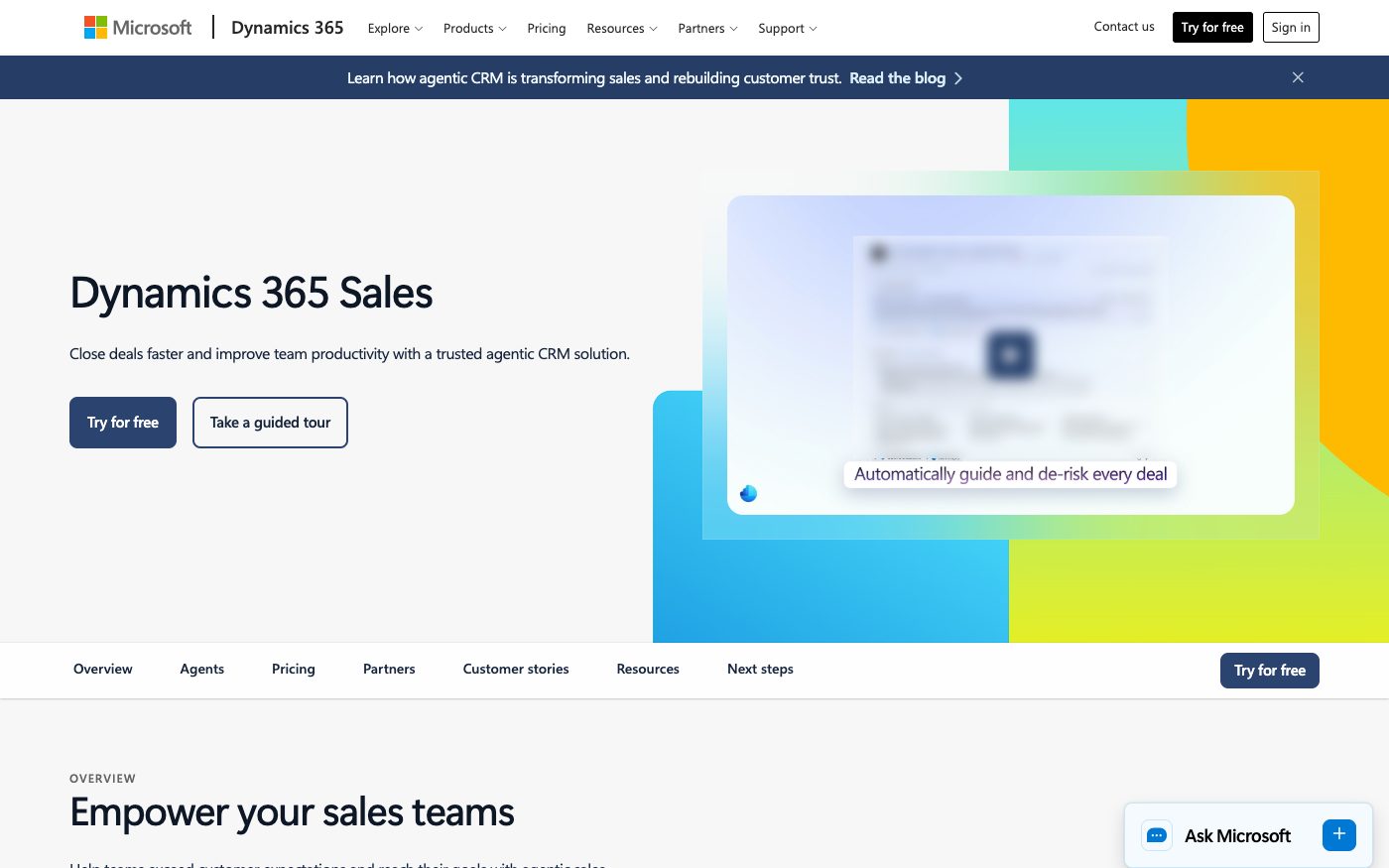
Dynamics 365 Sales product page
Dynamics 365 Sales Source: www.microsoft.com ↗
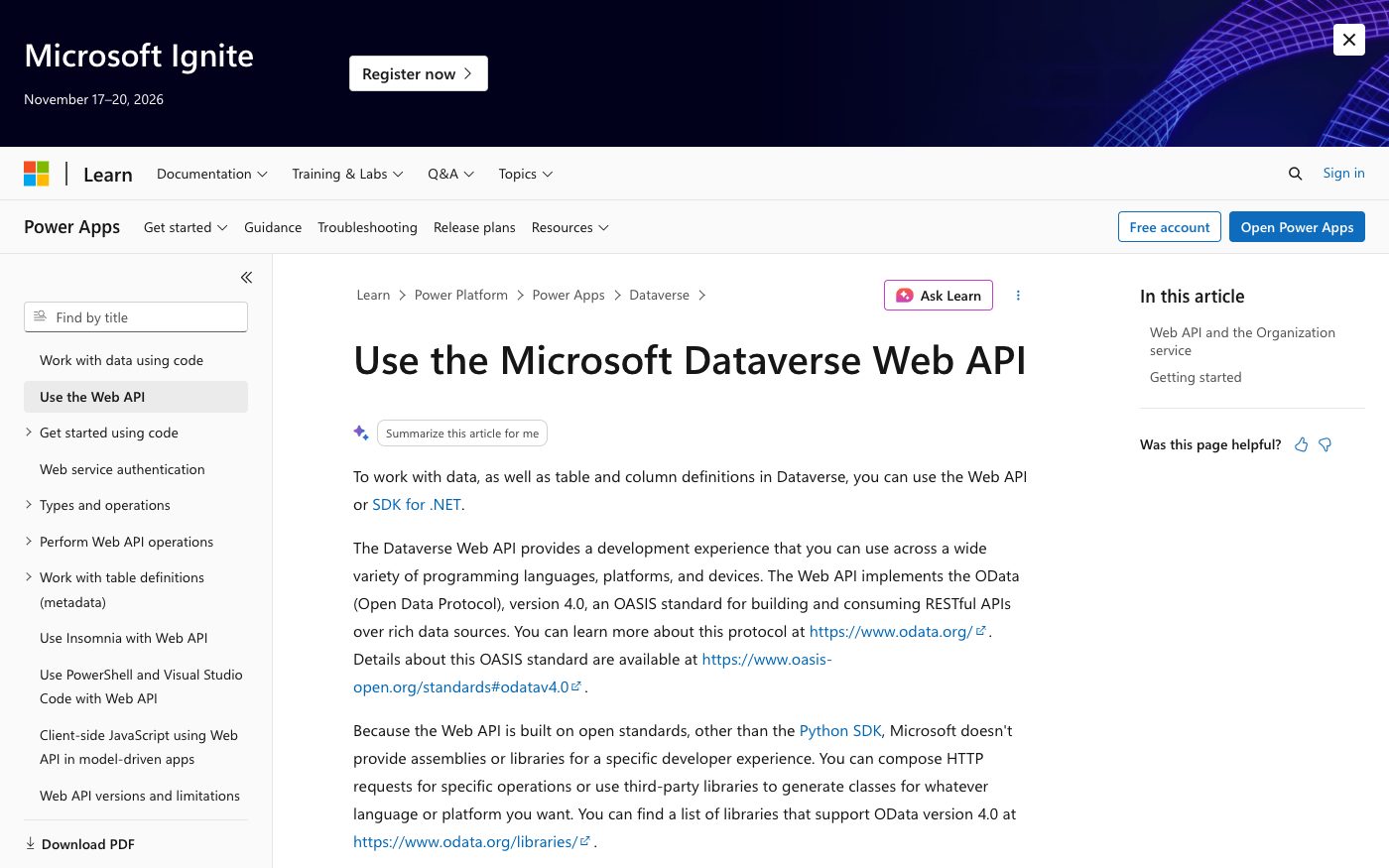
Microsoft Learn guide to the Dataverse Web API
Dataverse Web API Source: learn.microsoft.com ↗

How to start

Three steps from a first message to work on your project.

  1. 01

    Leave a request

    Describe the task in the form — in text or by voice. Budget and timing are optional.

  2. 02

    We review and estimate

    A developer studies the brief, asks about anything unclear and sends an estimate.

  3. 03

    We start

    Once scope and price are agreed, the work begins.

or write to info@coreviaflow.space

Questions

Can a connection to Dynamics 365 be built without Microsoft's own development tools?
Yes — since it runs on an open, widely used standard, requests can be composed directly in almost any programming language, not only Microsoft's.
How many requests can a connection send in a day?
It depends on the license: most full paid licenses allow 40,000 requests per 24 hours, while lighter licenses like Team Member allow only 6,000.
Do failed attempts also count against the daily budget?
Yes — both successful and failed requests count, including repeats and the extra requests caused by loading a long list in pages.
Does every connection go through the same internal path as the system's own screens?
Yes — technically it's a layer on top of the same underlying service Dynamics 365 itself uses, so a custom connection behaves consistently with the system's other screens and tools.

Tell us what needs to be connected

Describe the task in text or a voice message. We look at your setup and reply with a plan.