An order is placed in OneBox
Before a manager copies order details into the delivery service by hand.
After order details move to the delivery service on their own, and a parcel is ready to send.
 CRMUA
CRMUAOne system for an online store: orders, calls, receipts and delivery move together, no manual re-typing
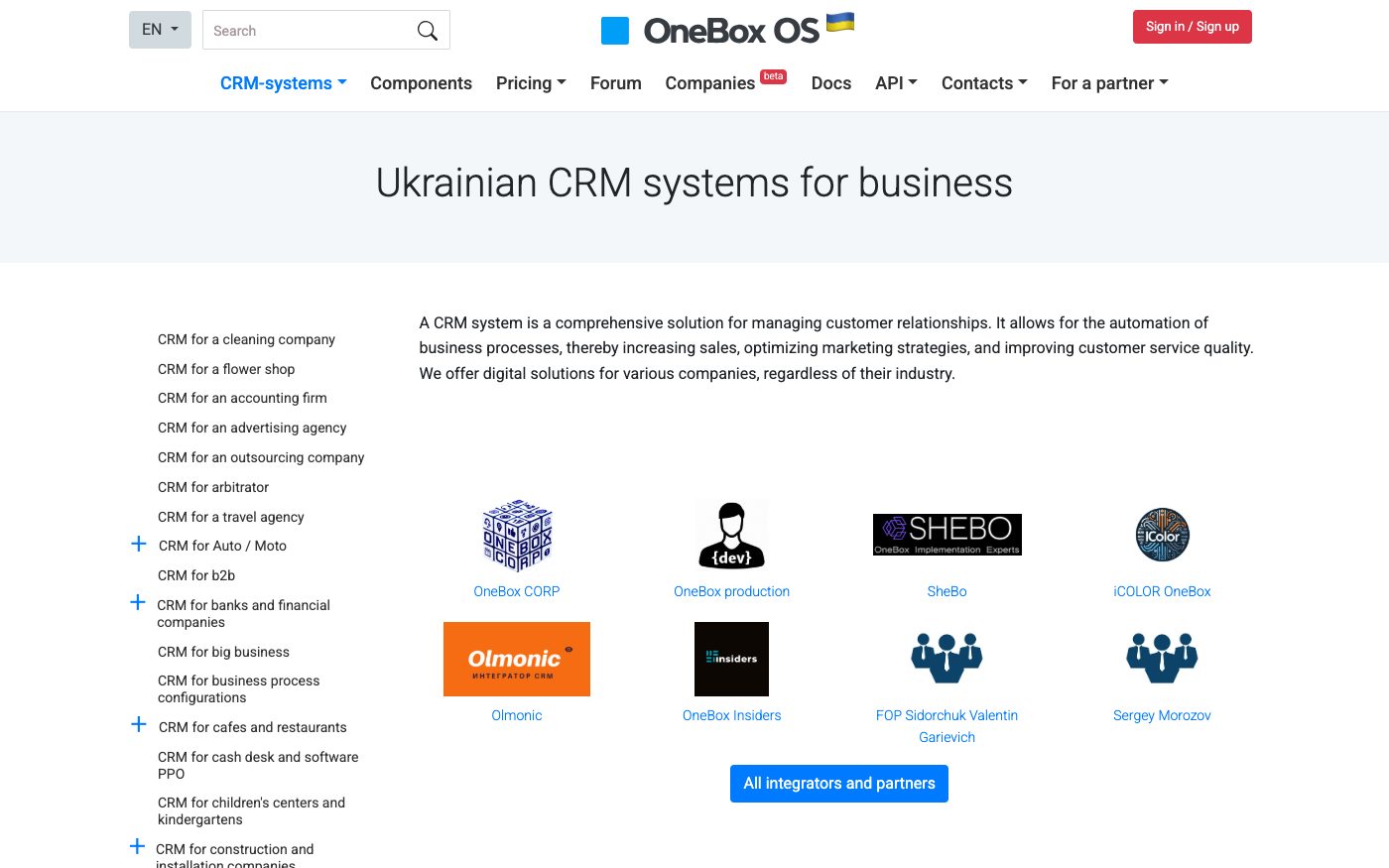
OneBox is built as one business platform for an online seller — orders, clients, warehouse and finances live under one roof, with ready categories of connections to banks and payment services, cash registers and receipts, phone calls, messengers and marketplaces. We link OneBox to whatever else you run and build custom data exchange for what a ready connection doesn't cover, so an order updates itself everywhere instead of someone copying it by hand.
Before a manager copies order details into the delivery service by hand.
After order details move to the delivery service on their own, and a parcel is ready to send.
Before a manager checks the bank or payment service manually and updates the order status.
After OneBox picks up the payment confirmation itself and switches the order status, so the client sees it right away.
Before a manager writes down what the caller wanted afterwards and links it to the wrong card, or to none.
After the call is recognised as connected and the record lands straight on the right client's card.
Before a manager creates the receipt separately in the cash register app and hopes the numbers match.
After the sale in OneBox is linked to the cash register category, and the receipt goes out tied to the same order.
Before without the deeper technical access switched on, someone collects the sample by hand from different screens.
After with it switched on, the same sample builds itself across everything OneBox holds.
For those who want to check: each point links to the official documentation page it comes from.
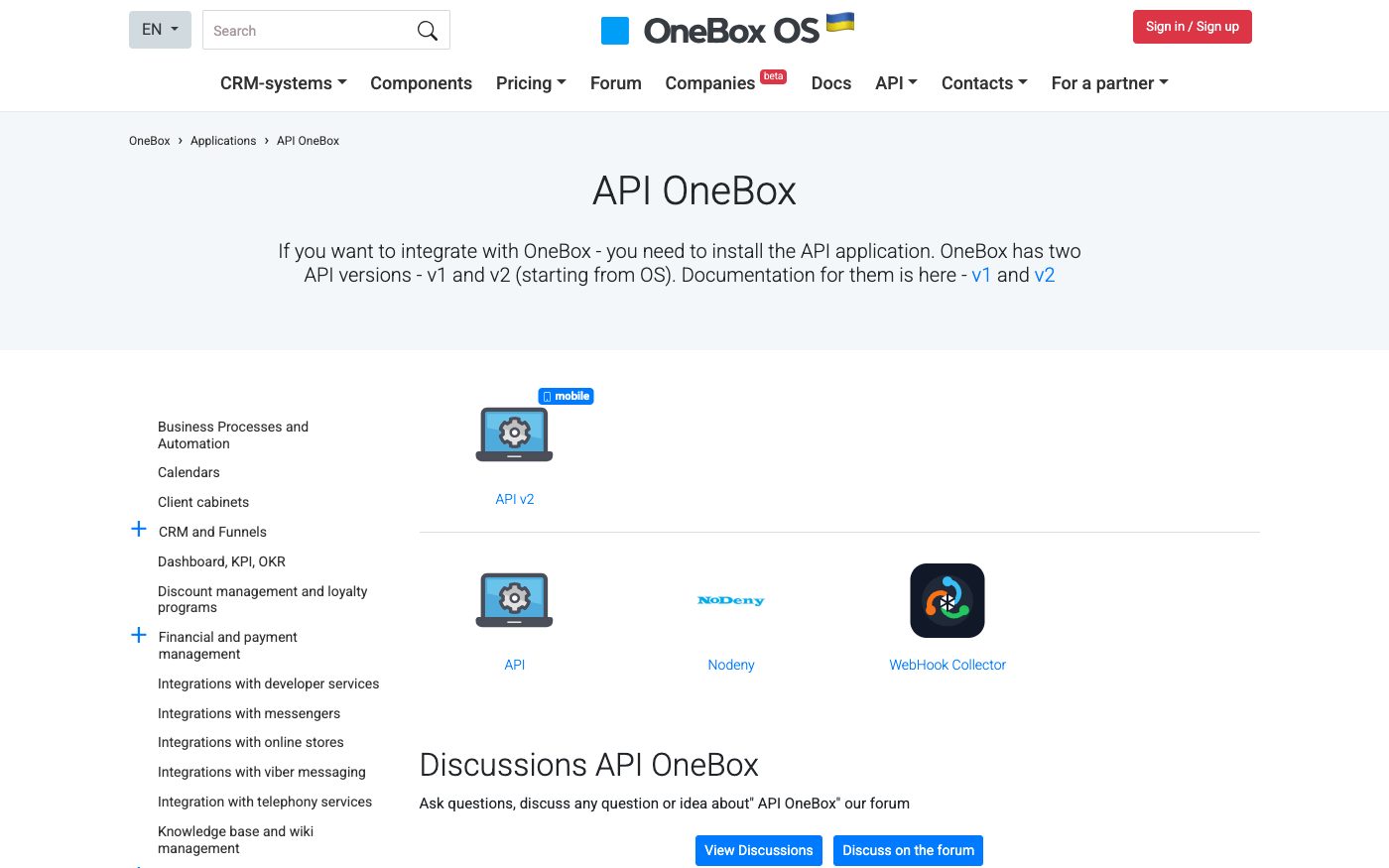
OneBox OS has a public JSON REST API (version 2) for developers, installed as a separate app inside the system.
Source: 1b.app ↗ checked 2026-09-25API v2 can manage all entities in OneBox and build any data sample; access is protected with temporary tokens.
Source: 1b.app ↗ checked 2026-09-25Using the API requires an extra licensed session: one more user on a cloud plan, or one more license key on the boxed version.
Source: 1b.app ↗ checked 2026-09-25Besides the newer v2, OneBox still maintains the original v1 API — the vendor supports both versions at the same time.
Source: 1b.app ↗ checked 2026-09-25The platform has separate ready-made app categories for connections to telephony, messengers, banks and payment systems, cash registers and receipts, delivery services and marketplaces.
Source: 1b.app ↗ checked 2026-09-25Technical data exchange doesn't come switched on by default: it needs one extra user on a cloud plan, or one extra license key on the boxed version, on top of the regular account.
Three steps from a first message to work on your project.
Describe the task in the form — in text or by voice. Budget and timing are optional.
A developer studies the brief, asks about anything unclear and sends an estimate.
Once scope and price are agreed, the work begins.
or write to info@coreviaflow.space
Describe the task in text or a voice message. We look at your setup and reply with a plan.
Four services people come to us for most often. Each page explains what we do, how the work goes and where to start.
Choose the system, set up the pipeline, migrate data, train the team.
Learn more →Accounting, telephony, website, payments and messengers feed the CRM on their own.
Learn more →Orders, requests and answers around the clock, straight into your CRM.
Learn more →Flows between CRM, email, spreadsheets, payments and AI, on your own server.
Learn more → CRMUA
CRMUAUkrainian CRM that pulls orders from your site, marketplaces and chat apps into one pipeline
See scenarios → CRMUA
CRMUAThe CRM built for order-taking: every lead from every channel lands in one place on its own
See scenarios → CRMUA
CRMUADeals, calls and documents move through Bitrix24 on their own, tracked step by step
See scenarios → Payments & POSUA
The cash register that sends the receipt to the tax office the moment payment goes through
See scenarios → IP telephonyUA
IP telephony with ready-made CRM links and one-click calling
See scenarios → CRMUA
CRMUAThe CRM that lives inside Gmail: client folders, messages and mail stay connected without leaving your inbox
See scenarios →Implementation · Development · Integrations →
OneBox is a trademark of its owner. CoreviaFlow is not affiliated with it unless stated otherwise. Screenshots are taken from public vendor materials; the source is shown under each one.