CoreviaFlowCOREVIAFLOWDIGITAL PROJECT COMPANY Leave a request
EN UA RU
Payments & POSUA

Checkbox integration & automation

The cash register that sends the receipt to the tax office the moment payment goes through

Checkbox is the cash register behind the receipt: the moment payment goes through, the receipt is sent to the tax office on its own, no manual punching needed. Test mode and live mode work the same way, so everything can be checked for free before going live. We connect the register to your payment flow — directly where that's built in, and through the AssetPayments service where the receipt isn't sent to the tax office by Checkbox itself but by an outside provider.

What we connect

  • Standard flow: the shift opens, a sale or refund receipt is generated on its own, the shift closes — every step is documented by the vendor.
  • The cashier logs in with a PIN or a login and password; you can be logged in on no more than 3 devices at once.
  • The receipt is sent to the client's email and phone (SMS/Viber) right at the moment of sale.
  • Your system finds out about a receipt's status change right away, with no constant checking — Checkbox notifies it on its own, signing the message so you can confirm it's genuine.
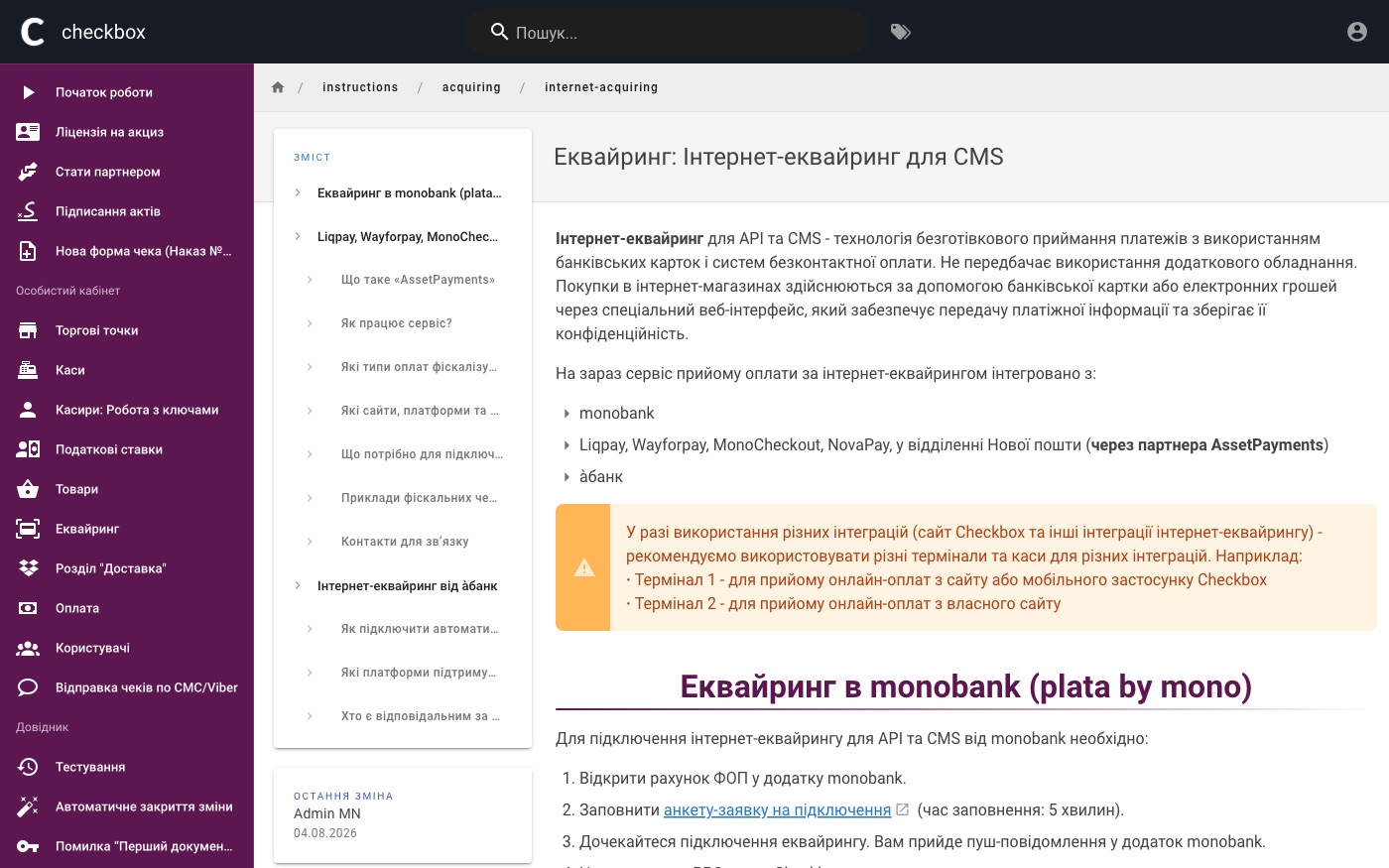
  • monobank — card payment acceptance is already built into the monobank dashboard, no separate project needed.
  • LiqPay, WayForPay, Mono Checkout and NovaPay — the receipt goes to the tax office through the AssetPayments service, not directly from Checkbox.
  • Ready-made modules through AssetPayments for KeyCRM, Uspacy, SalesDrive, Salesforce, and for websites on WordPress/WooCommerce/OpenCart/Joomla/CS-Cart/PrestaShop/Horoshop/Shopify.
  • Free test mode with no tax office registration required — a test register and cashier are created automatically right after sign-up.

Automation scenarios

01

A customer pays by card through monobank

Before a cashier manually punches the receipt after checking the payment went through.

After the register is set up directly in the monobank dashboard, and the receipt goes to the tax office on its own — no manual step.

02

A customer pays through LiqPay or WayForPay

Before a separate connection has to be built from scratch for each payment method.

After LiqPay and WayForPay are already connected to Checkbox through the AssetPayments service, so we plug in an existing bridge instead of building a new one.

03

You need to confirm a receipt went through

Before the client's server keeps checking on its own whether the receipt is ready.

After Checkbox notifies the server the moment the receipt's status changes, retrying for a full day if it doesn't answer.

04

An order is placed in KeyCRM or SalesDrive

Before the link between the register and the CRM is built as a separate project.

After a ready module through AssetPayments already covers KeyCRM, Uspacy, SalesDrive and Salesforce, so the receipt attaches to the order without custom development.

05

The integration needs testing before going live

Before testing the flow means registering a real cash register with the tax office.

After the free test mode creates a test register and cashier automatically, with up to 100 test receipts a month.


How it works technically

For those who want to check: each point links to the official documentation page it comes from.

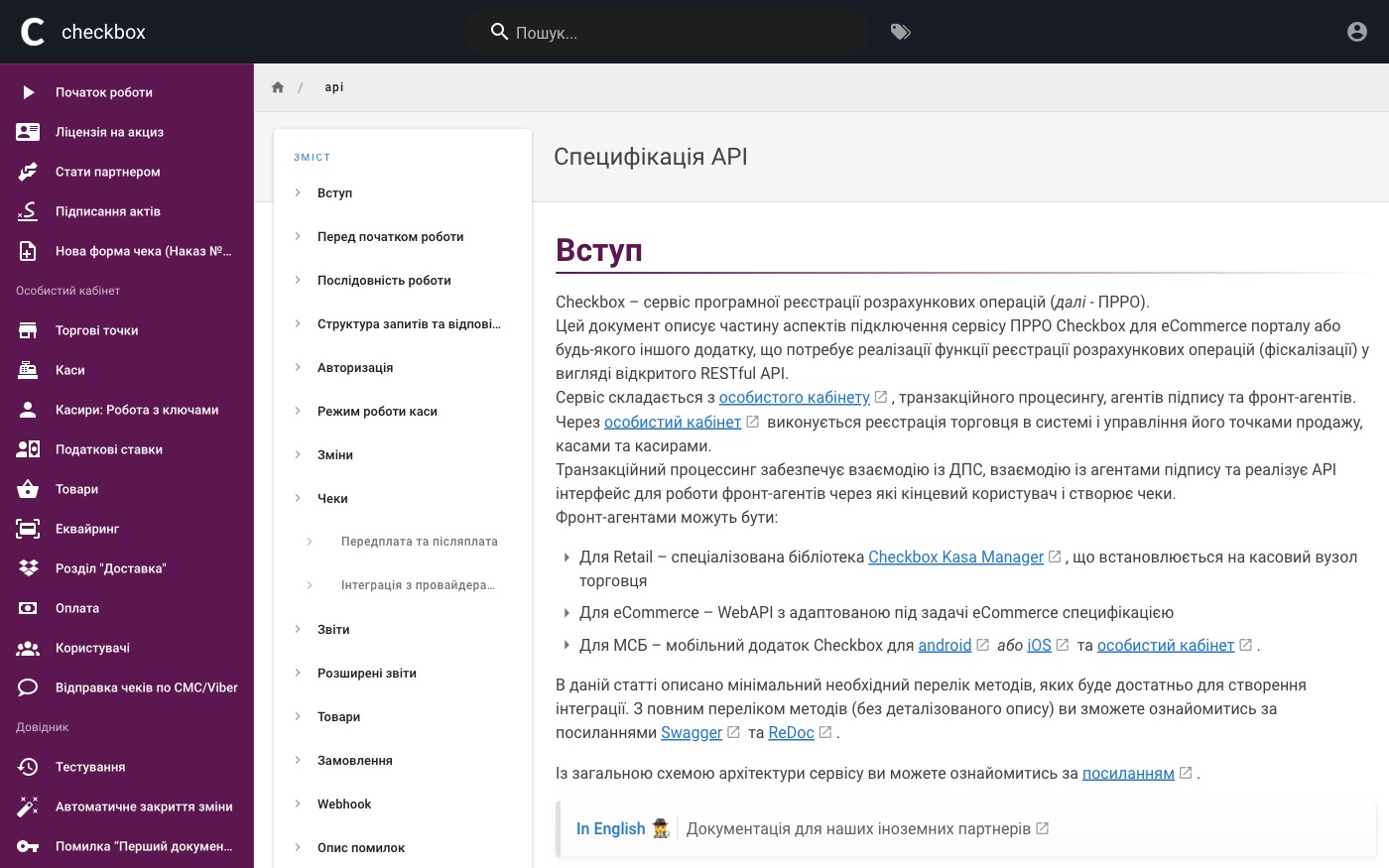
  • The Checkbox PRRO API runs on a single host, api.checkbox.ua, for both test and live mode — an open RESTful API.

    Source: wiki.checkbox.ua ↗ checked 2026-09-25
  • API authorisation uses a JWT token issued via cashier PIN or login/password (not OAuth); a single cashier can hold no more than 3 active tokens at once.

    Source: wiki.checkbox.ua ↗ checked 2026-09-25
  • Webhooks are set up with a POST /api/v1/webhook call, the URL is saved separately per cash register, and the request body is signed with HMAC-SHA256, verified via the x-request-signature header.

    Source: wiki.checkbox.ua ↗ checked 2026-09-25
  • If the integration server responds with an error (code ≥400) or doesn't answer within 10 seconds, Checkbox retries the webhook for up to 24 hours with an exponential backoff (from 1 second to 30 minutes).

    Source: wiki.checkbox.ua ↗ checked 2026-09-25
  • monobank's internet acquiring is natively integrated with Checkbox right in the monobank web dashboard (menu Payment on site → integrations → PRRO setup → checkbox).

    Source: wiki.checkbox.ua ↗ checked 2026-09-25
  • Fiscalisation of LiqPay, WayForPay, Mono Checkout and NovaPay payments in Checkbox doesn't work directly — it goes through the AssetPayments service, which accepts the payment itself and opens the shift / creates the receipt.

    Source: wiki.checkbox.ua ↗ checked 2026-09-25

Limits

The test register allows no more than 100 receipts a month — after that Checkbox prompts you to register a live register and cashier with the tax office. A single cashier can hold no more than 3 active tokens at once.

Screenshots

Checkbox knowledge base article on online payment acceptance
Receipts for online payments Source: wiki.checkbox.ua ↗
Checkbox developer documentation section in the knowledge base
Developer documentation Source: wiki.checkbox.ua ↗

How to start

Three steps from a first message to work on your project.

  1. 01

    Leave a request

    Describe the task in the form — in text or by voice. Budget and timing are optional.

  2. 02

    We review and estimate

    A developer studies the brief, asks about anything unclear and sends an estimate.

  3. 03

    We start

    Once scope and price are agreed, the work begins.

or write to info@coreviaflow.space

Questions

Does the receipt go to the tax office directly through Checkbox when a customer pays via LiqPay or WayForPay?
No — these payment methods connect through the AssetPayments service, which accepts the payment itself and creates the receipt in Checkbox. The only payment method with a direct link, without an intermediary, is card payment through monobank.
Can we test the connection without registering a cash register with the tax office?
Yes — the test mode is free, and a test register and cashier are created automatically right after sign-up, with a limit of up to 100 test receipts a month.
Do we have to keep checking a receipt's status ourselves?
No — Checkbox notifies you the moment the status changes, signing the message to confirm it's genuine. If your server doesn't answer in time, it keeps retrying for a full day.
Which CRMs already have a ready-made receipt module through AssetPayments?
KeyCRM, Uspacy, SalesDrive and Salesforce, plus websites on WordPress/WooCommerce/OpenCart/Joomla/CS-Cart/PrestaShop/Horoshop/Shopify. For anything else, the connection is set up separately.

Tell us what needs to be connected

Describe the task in text or a voice message. We look at your setup and reply with a plan.