01
The waybill is created from the deal
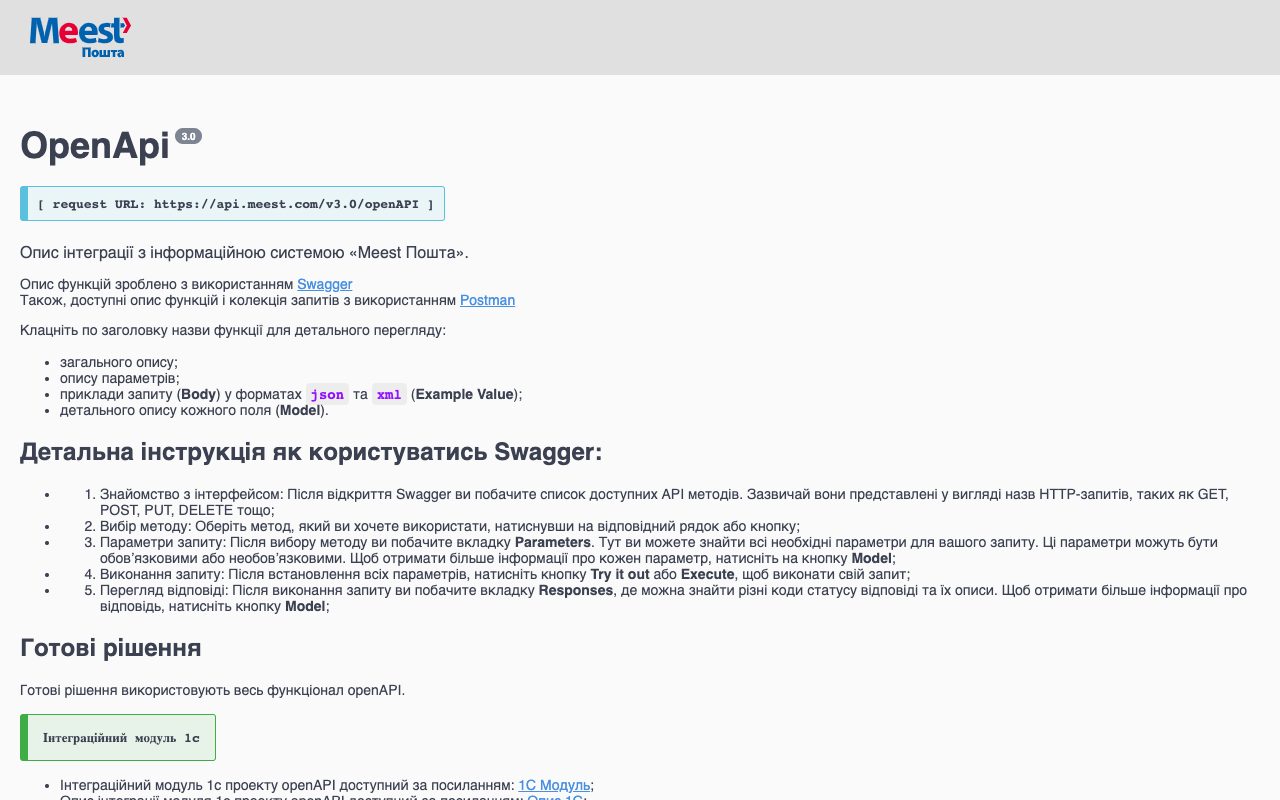
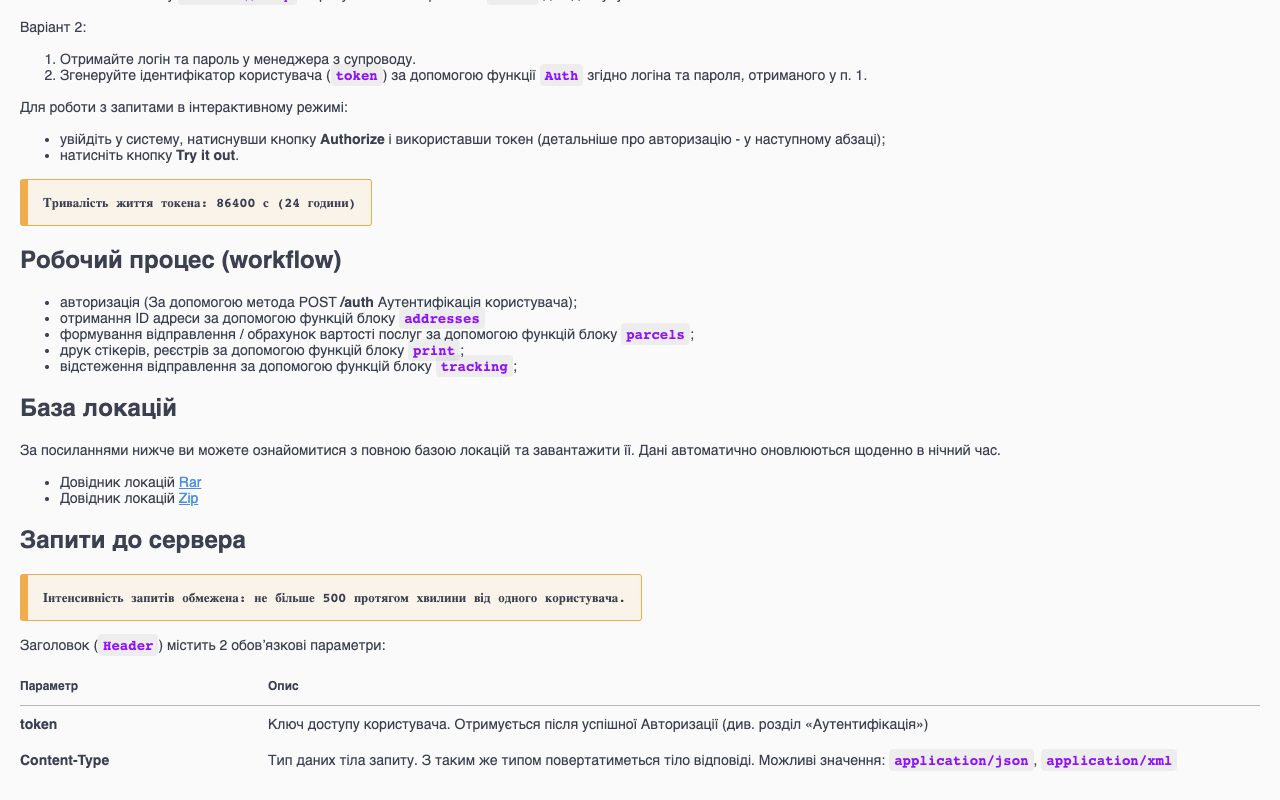
Before the manager opens the Meest cabinet, retypes the recipient, the address and the contents from the order, then pastes the parcel number back into the CRM.
After one button on the deal creates the parcel in Meest with the data already on the card, and the parcel number is saved on the deal at once.
02
Stickers and the daily register in one click
Before at the end of the day someone prints stickers one by one from the cabinet and writes up the list of parcels for the courier.
After the CRM prints the stickers for all today's parcels on A4 sheets, forms the register and orders the courier in the same step.
03
The delivery status is on the card and the customer knows about it
Before the customer asks 'where is my parcel?', the manager searches the tracking page and answers by hand.
After the CRM refreshes the status itself — sent, arrived at the branch, delivered, refused — and sends the customer a message through the channel you already use, while the manager sees a refused parcel the same day.
04
The delivery cost is known while talking to the customer
Before the manager guesses the delivery cost and date and later apologises for the difference.
After the CRM asks Meest for the cost and the expected date for this parcel and this branch while the customer is still on the line.