01
A deal is won in the CRM
Before Google Ads counts every form as a success, and the account pours budget into the campaign with the cheapest requests, most of which never buy.
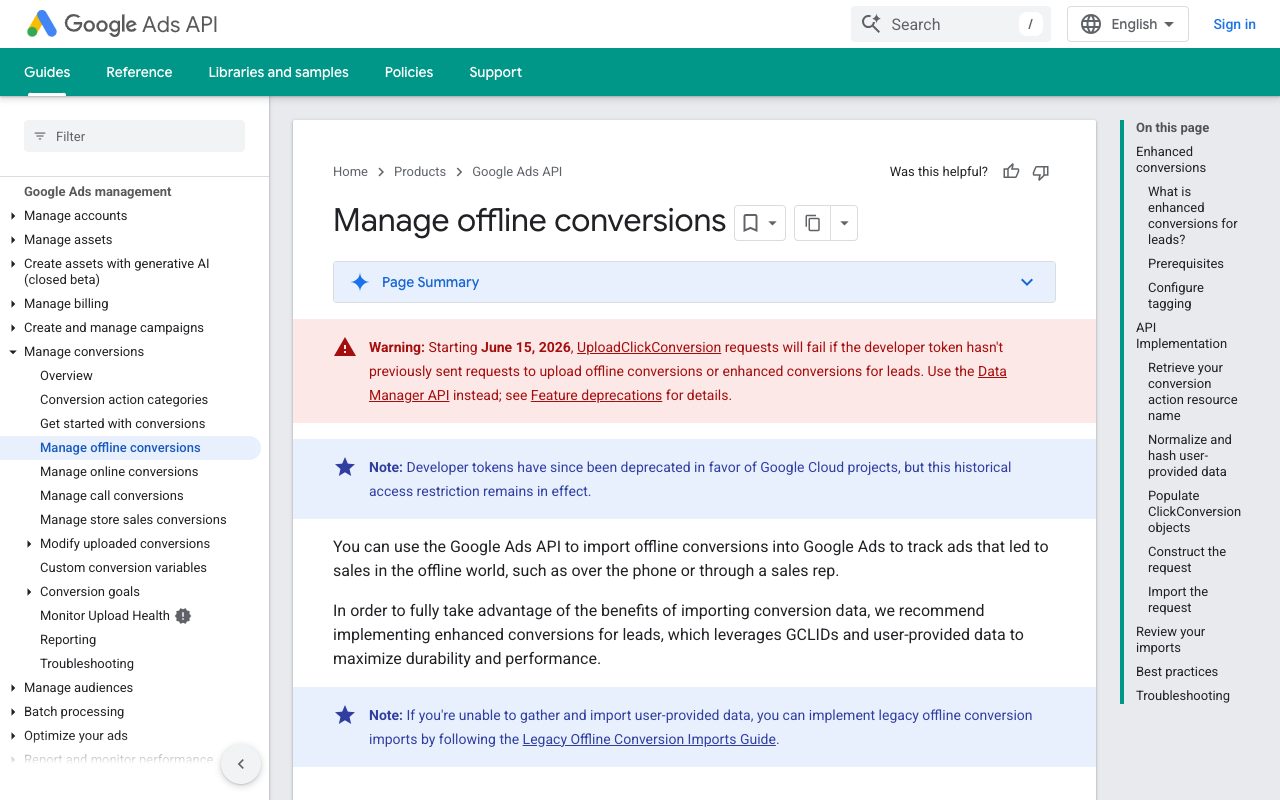
After when the manager marks the deal as won, the CRM sends the conversion to Google Ads with the click it came from, and the account starts optimising for campaigns that bring buyers.
02
The client calls instead of filling the form
Before the visitor came from an ad, called, ordered — and Google Ads sees nothing, because there was no form.
After the manager creates the deal in the CRM, the connection matches it with the visit by the saved click identifier or by the client's contact data, and the sale is reported to Google Ads as an offline conversion.
03
Current clients see no more ads for what they already bought
Before the ad chases people who signed a contract last month, and the budget goes to those who no longer need convincing.
After the CRM list of current clients is loaded into Google Ads as an audience and excluded from acquisition campaigns, while a separate list of lost deals gets its own return campaign.
04
Monday report without copy-paste
Before the marketer exports campaign numbers from Google Ads, the sales lead exports deals from the CRM, and someone merges the two spreadsheets by hand.
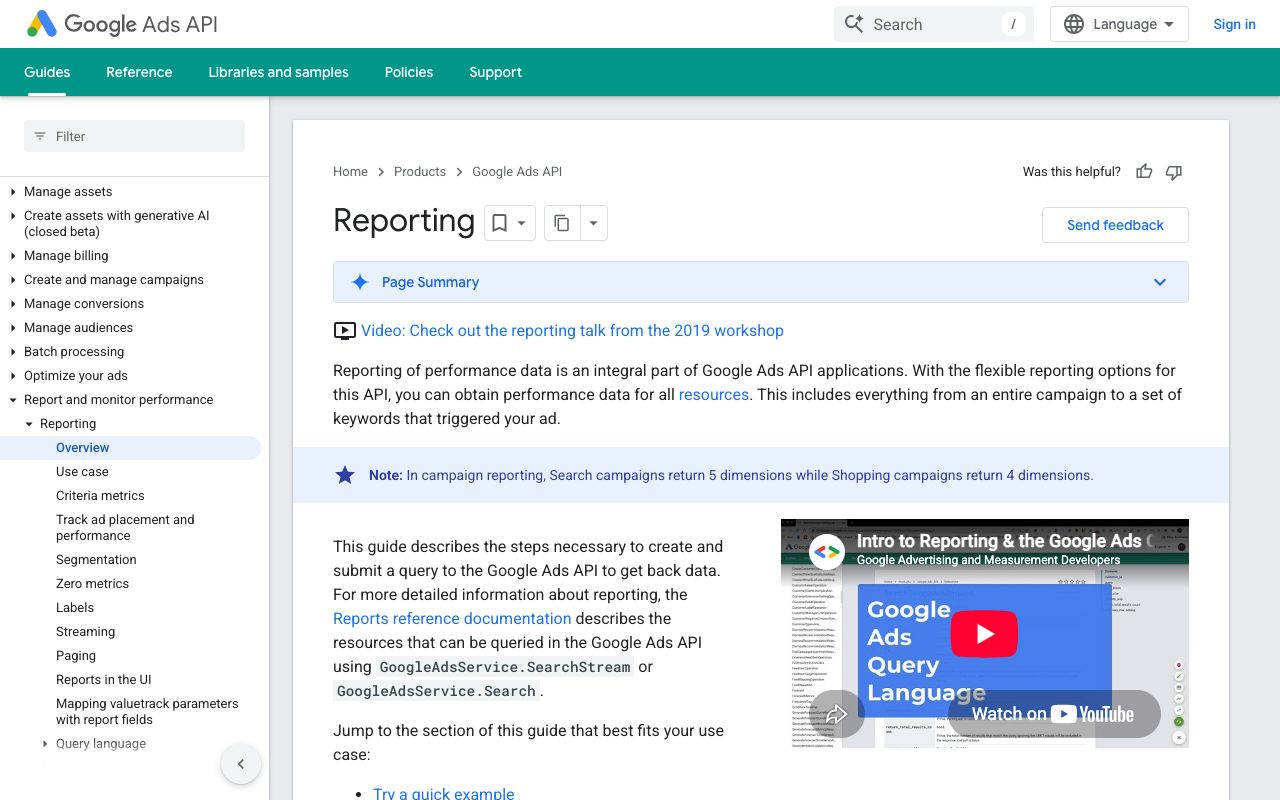
After the connection reads the campaign report and the CRM deals on a schedule and fills one dashboard where spend, requests and closed deals stand in the same row.