01
A won deal opens a project in Notion
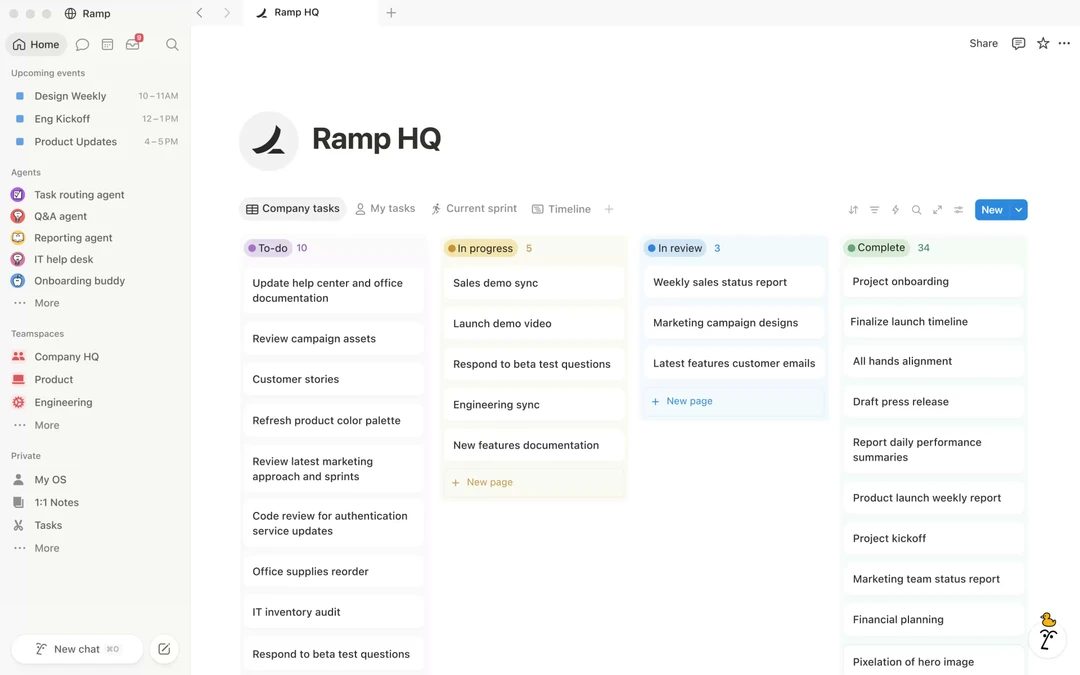
Before the manager wins the deal, writes to the project lead in a messenger, and the project lead creates a Notion page by hand a day later, retyping the client's details.
After the moment the deal is marked won, a project page appears in the Notion base from your template, with the client, the amount, the deadline and the manager already filled in and the onboarding checklist attached.
02
A checklist in Notion moves the deal stage
Before the delivery team works in Notion, sales works in the CRM, and the sales lead asks in chat every week 'where are we with this client?'.
After when the delivery team ticks the last item of the checklist, the page status becomes 'delivered' and the deal in the CRM moves to the same stage on its own; the sales lead sees the pipeline without asking anyone.
03
Call notes land on the client card
Before the manager takes notes in a Notion page during the call, and a month later nobody in the CRM knows what was agreed.
After a note saved in the 'Calls' base with the client selected is copied to the client card in the CRM the same minute, with the date and the author, and the next manager who opens the card reads it before dialling.
04
The client list in Notion never goes stale
Before the 'Clients' base in Notion was exported from the CRM in spring and has not been touched since; half the contacts have changed.
After the CRM is the home of client data, and every new company or changed phone number is written into the Notion base within a minute, so the project pages always relate to a current client.